
One command. Any app.
Launch 65+ open-source apps with a single command. Databases, services, and config are wired automatically.
How it works
Find
Browse the catalog for an app you want to run.
Copy
Copy one command from the app page.
Run
Databases, services, and env vars are wired automatically.
$ npx launchfile up ghost
# Ghost is running at http://localhost:2368
What is a Launchfile?
A Launchfile is a simple YAML file that declares what your app needs to run — runtime, databases, ports, health checks, environment variables. No vendor lock-in, no infrastructure code.
Any compatible platform reads the same file and handles the rest: Docker Compose, macOS native, or future providers like Kubernetes and cloud platforms.
Read the spec →# Ghost — professional publishing platform
version: launch/v1
name: ghost
runtime: node
requires: [mysql]
commands:
start: "node current/index.js"
health: /ghost/api/v4/admin/site/For Developers
Build on the Launchfile ecosystem.
Featured Apps
35 tested and ready to launch.

paperclip
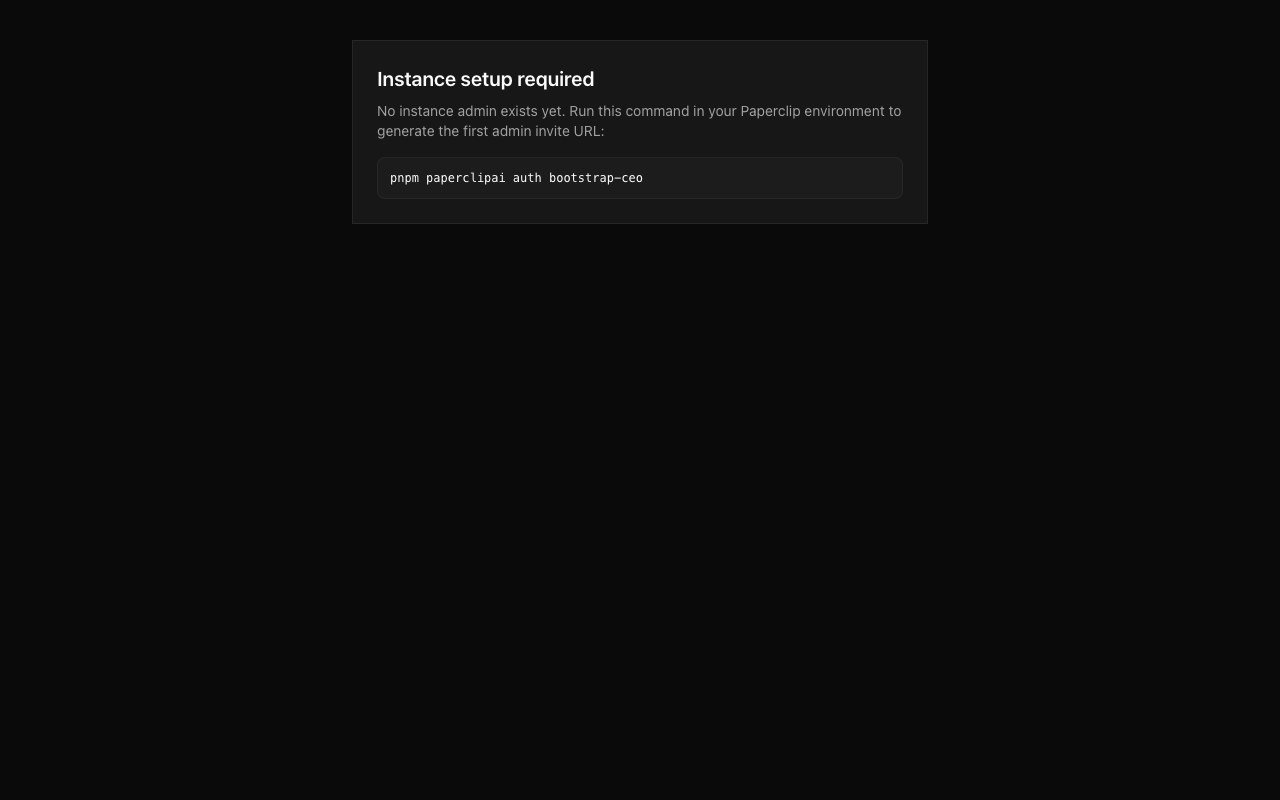
Open-source orchestration for zero-human companies

uptime-kuma
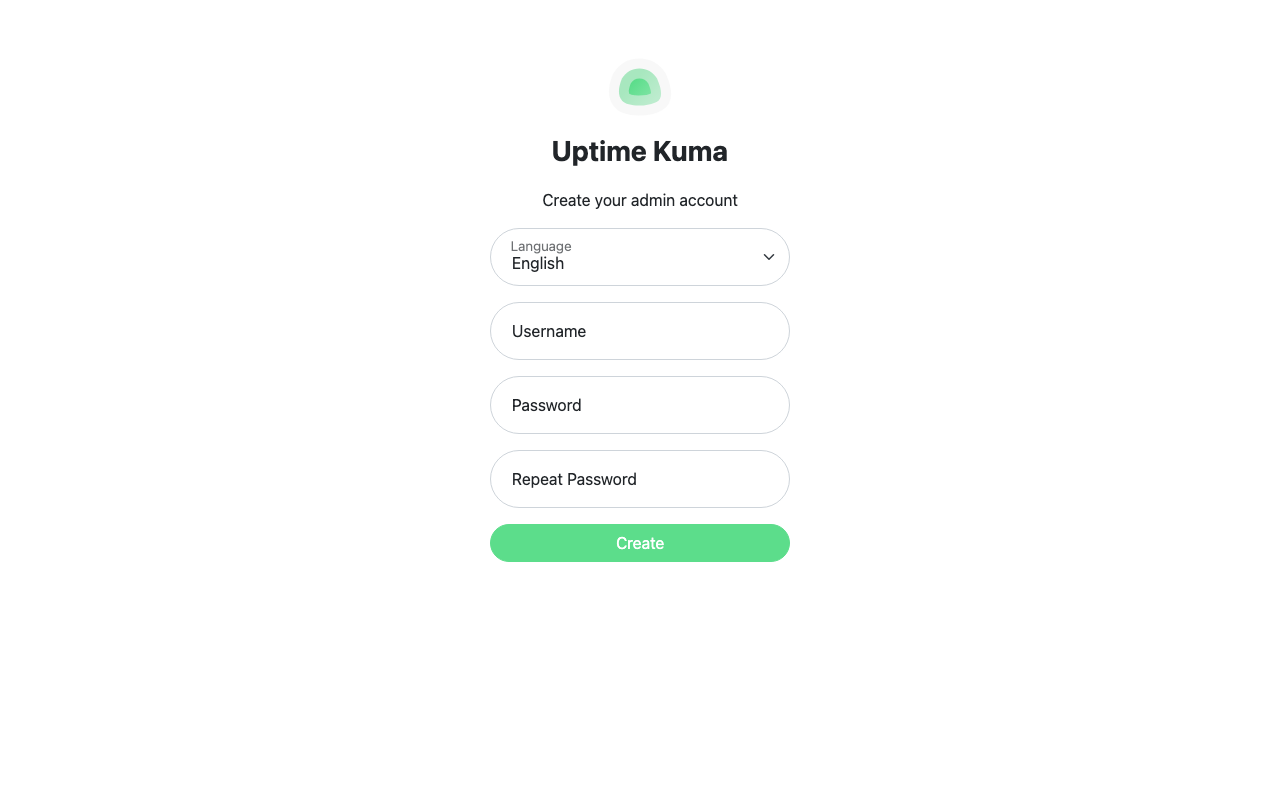
Self-hosted monitoring tool

ghost

Professional publishing platform

vaultwarden
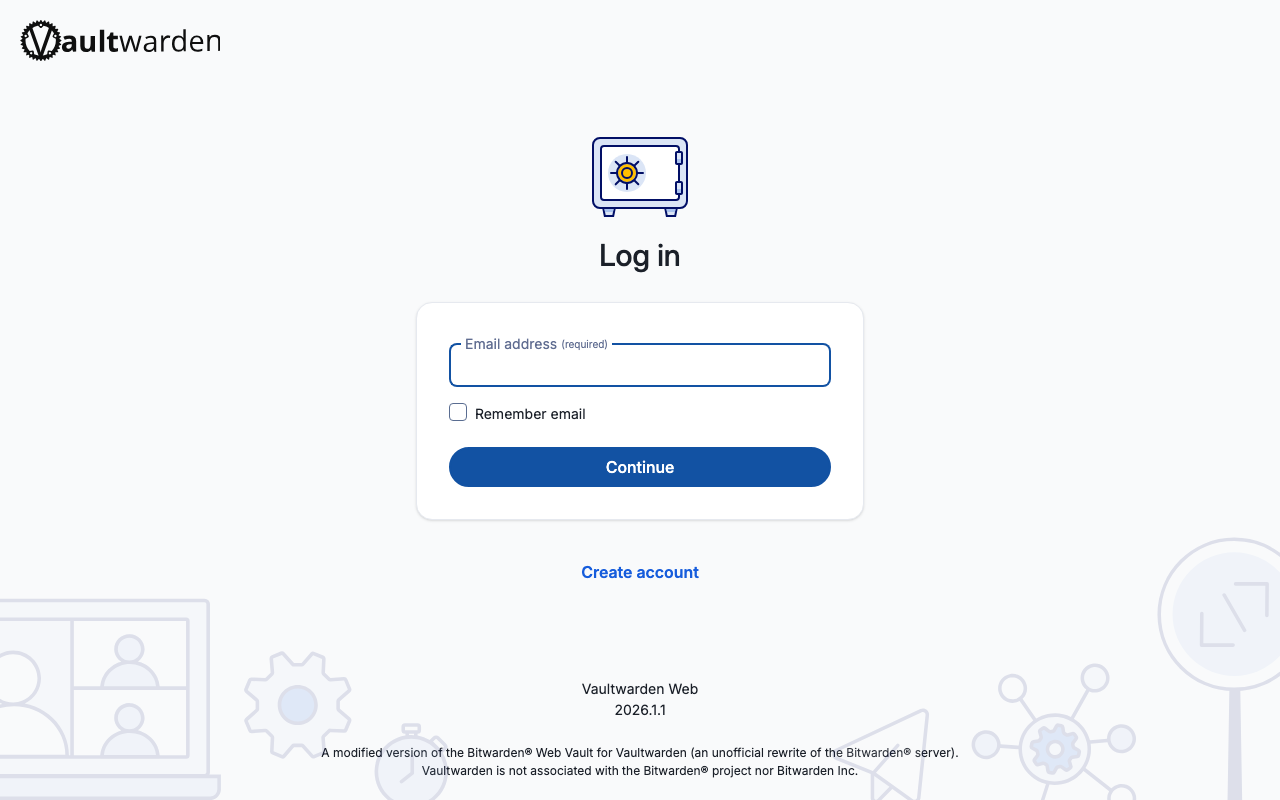
Self-hosted password manager — works with all Bitwarden apps and browser extensions

metabase
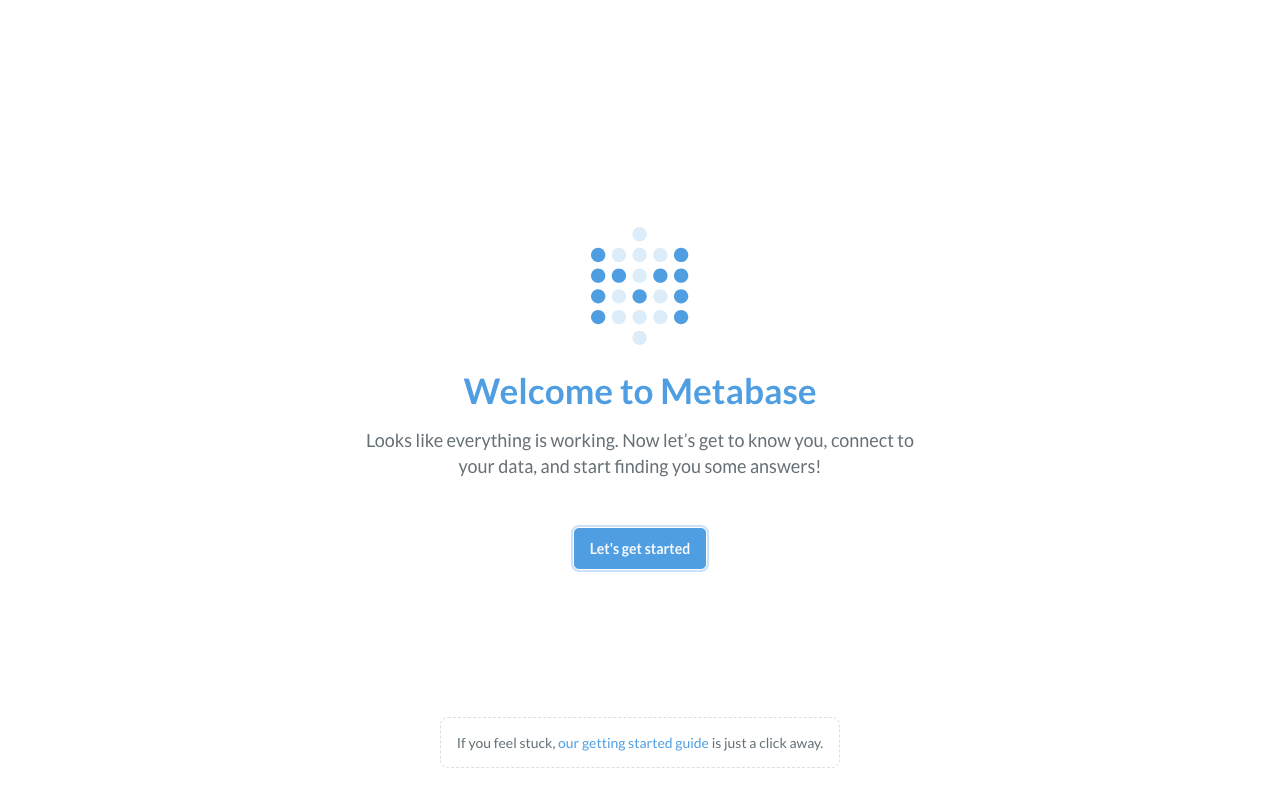
Business intelligence and analytics tool

paperless
Searchable archive for physical documents